Design multiple means of representation
Learners differ in the ways they perceive and make meaning of information. For example, those with sensory disabilities (e.g., blindness or deafness), learning disabilities (e.g., dyslexia), and those representing diverse or non-dominant cultures and/or languages all approach content differently. And these differing approaches must be honored and valued. Equally important is the consideration of how people, cultures, individual and collective identities, perspectives, and ways of knowing are represented within the content. Learning, and transfer of learning, occurs when multiple representations and perspectives are used, because they support learners to make connections within, as well as between, concepts. In short, there is not one means of representation that will be optimal for every learner; providing options for representation is essential.
In order for learners to build their learning, process it, give it meaning and significance, and later internalize it, the first process involved is accessing information, and this access is generated through perception, which is different for each student.
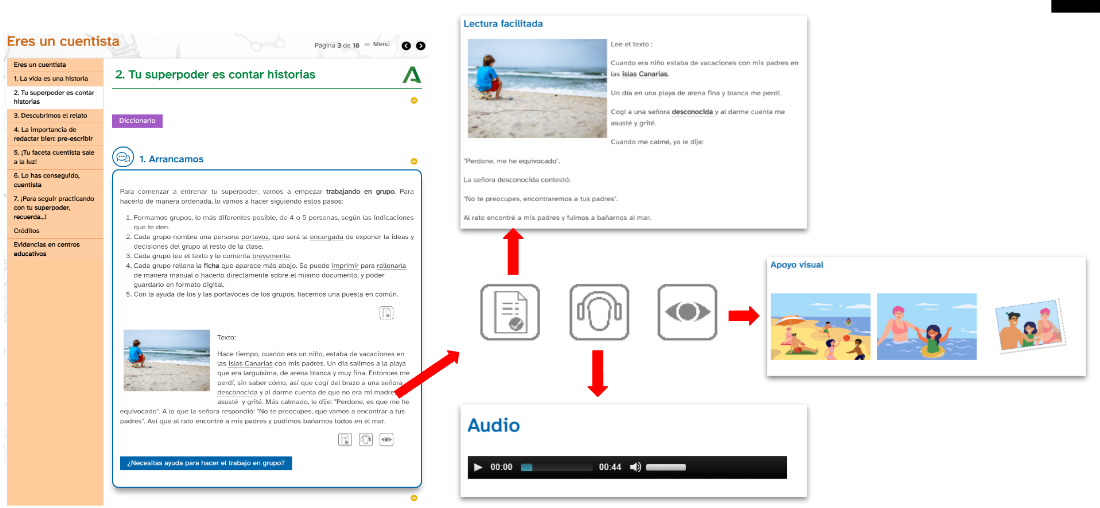
Digital tools allow us to offer multiple formats for representing information to our students. The goal is to provide constant alternatives so that each student can find the options that best suit their needs.
Text

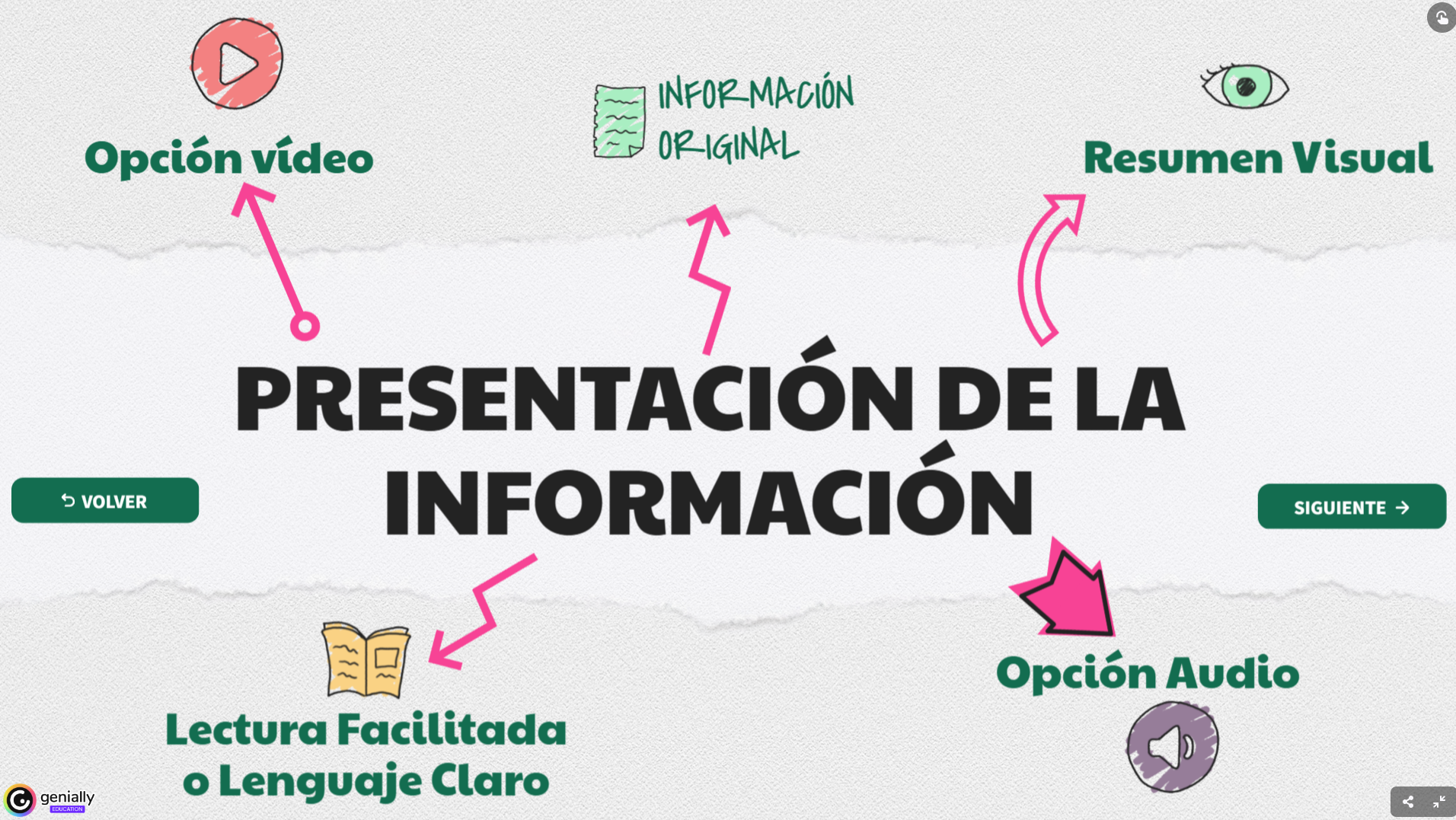
Presenting the information in text format.
Facilitated reading
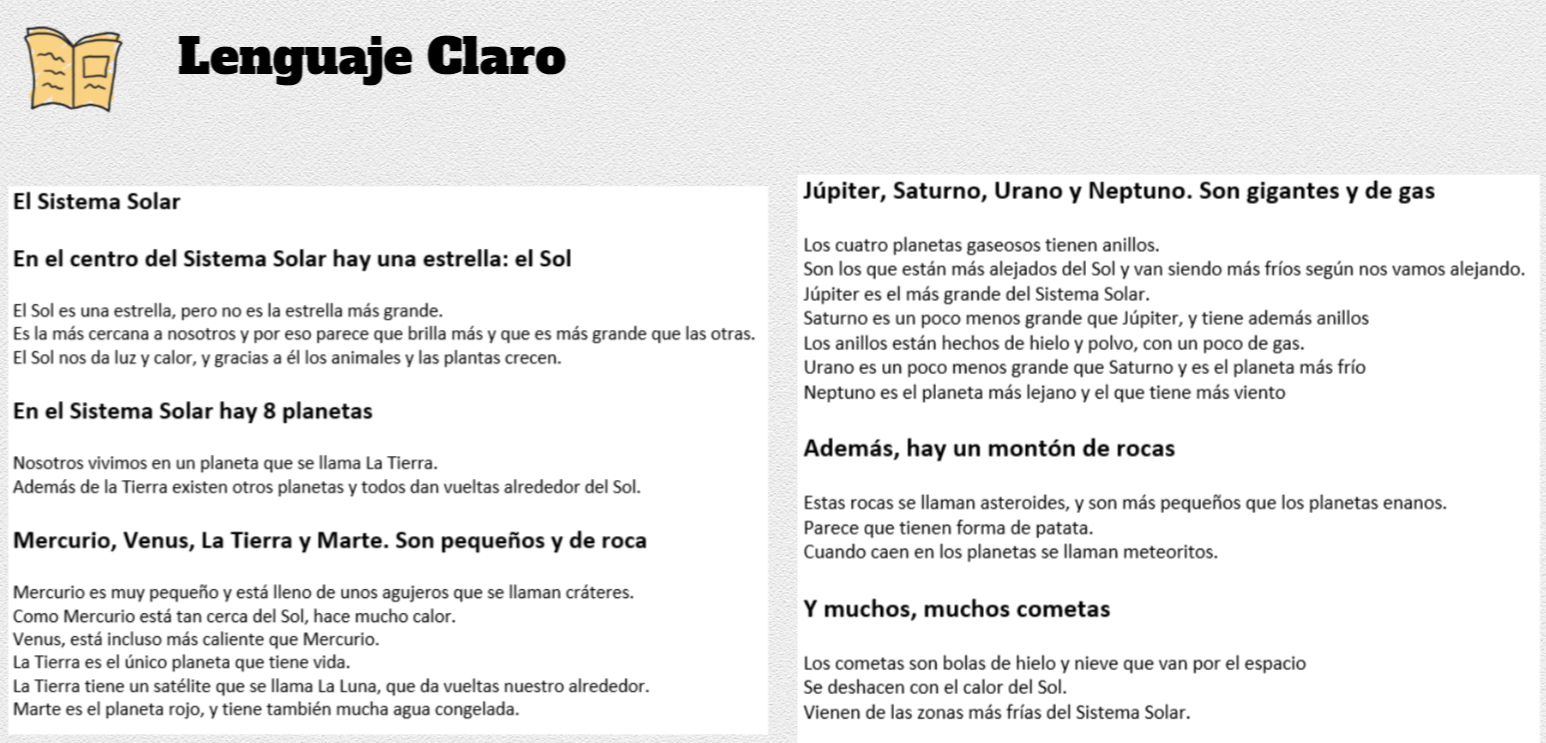
Rewrite the text using simpler language that is easier to understand, with fewer passive sentences, subordinate, or compound clauses. Use vocabulary that is closer to your students. Highlight the main ideas in bold or other formats, and make the text less abstract. Remember not to remove information from the text, just make it easier to read. You can use large language models from artificial intelligence to help rewrite the text.
Audio

Generate an audio version as an alternative to the text. Use any program to record your audio (or even your mobile phone). If you chose to use the Genial.ly template provided, the instructions there explain how to record and incorporate the audio.
Video
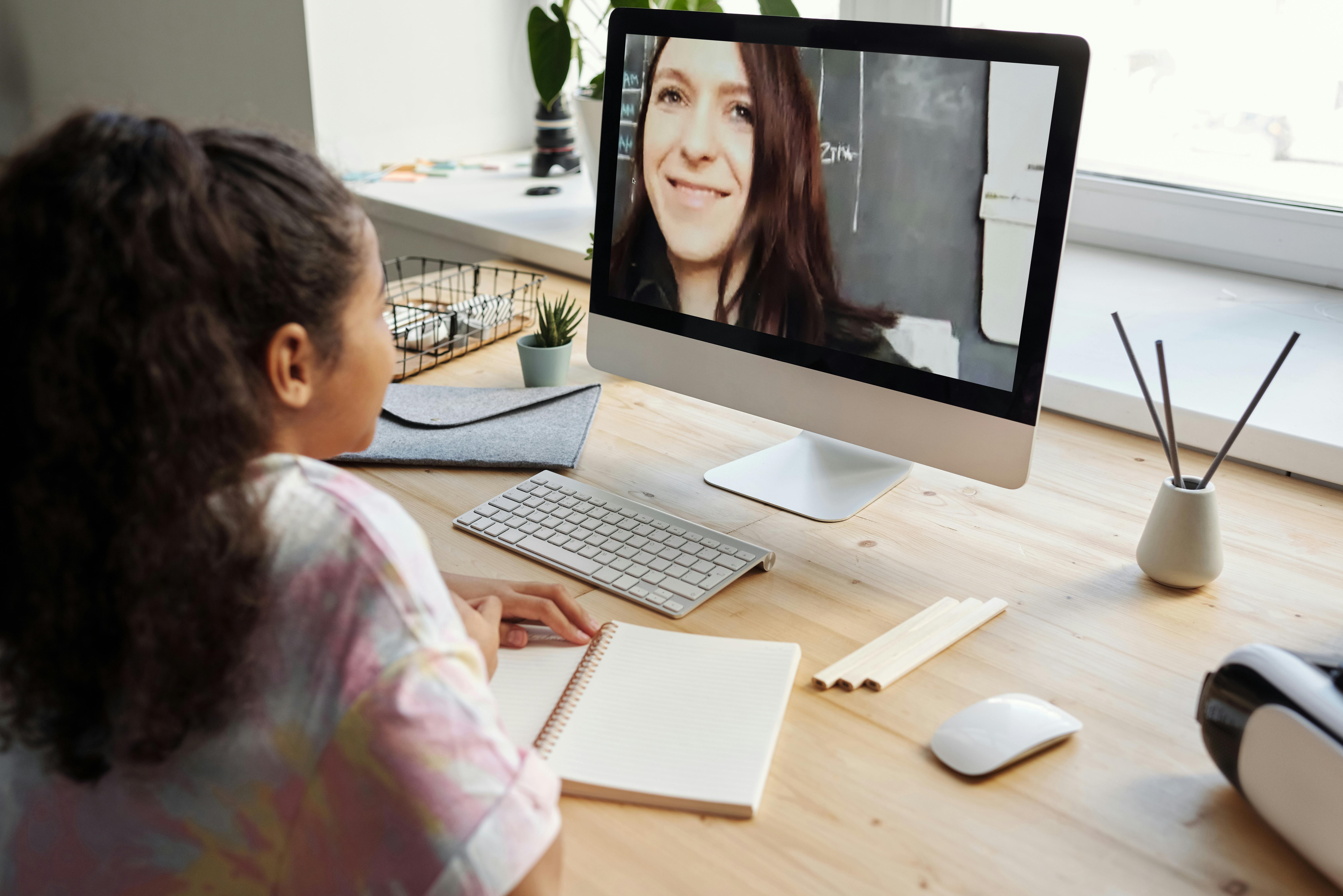
Add a video as an alternative to the text. If you want, you can add subtitles, as you learned in the previous module.
Visual support
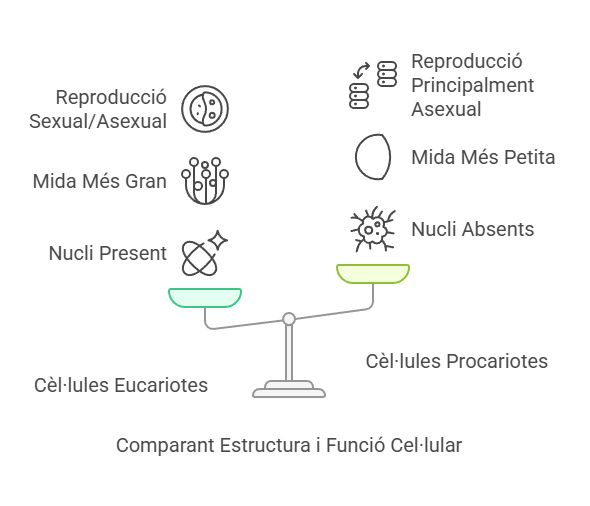
Insert a summary created with a pictotranslator or another visual method that presents the key ideas of the information. You can take a screenshot and insert it as an image. If you're good at it, you can even create a Visual Thinking and upload it as an image.